
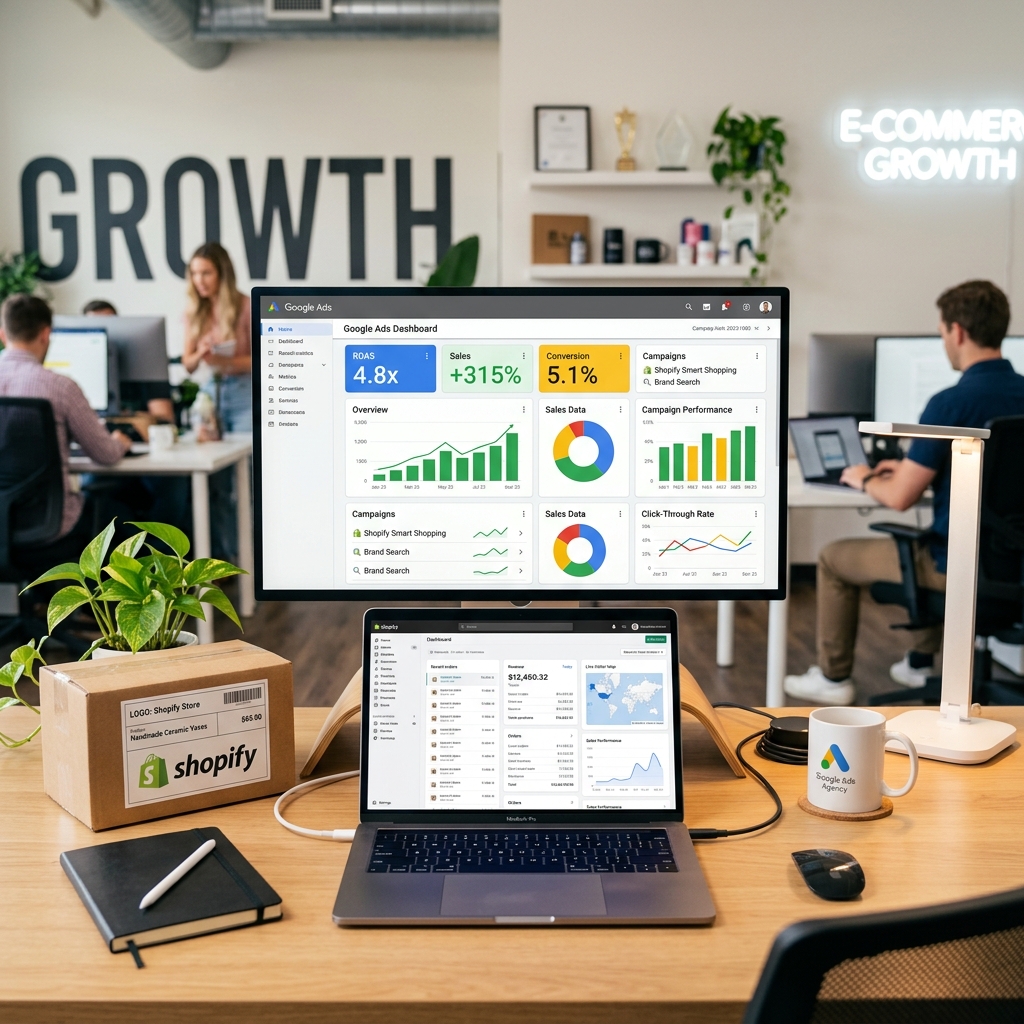
Google Ads can be a strong growth channel for Shopify stores, but only when the account is tied closely to product economics and conversion quality. Many ecommerce brands rush into Performance Max, broad search campaigns, or remarketing without fixing the product feed, the landing pages, or the reporting model first. That usually creates unstable results.
Shopify brands tend to scale more effectively when campaign structure, feed quality, and creative testing are handled together. The account should support the store, not compete with its weaknesses.
Get the feed and product priorities right first
If your product feed is messy, the campaigns will struggle. Titles, images, pricing clarity, availability, and category quality all affect how well Shopping and Performance Max can perform. Before you scale, decide which products deserve the most budget based on margin, demand, and conversion strength.
This prevents the account from pushing spend into low-priority products just because they get impressions cheaply.
Use a campaign structure that reflects how the store sells
Not every Shopify store needs the same setup, but most perform better when search, Shopping, branded demand, and remarketing are treated as distinct jobs. That makes it easier to see what is creating incremental growth and what is only harvesting existing demand.
- Protect branded campaigns so competitor traffic does not leak away.
- Use non-brand search for category and problem-intent demand.
- Support conversion with Shopping and retargeting where it makes sense.
Fix the post-click experience
Even the best campaign structure will underperform if the product page is weak. Strong Shopify landing pages make the product promise clear fast. They reduce uncertainty around price, delivery, returns, sizing, and proof. They also make mobile checkout feel simple enough that the click can still turn into revenue.
Whenever ROAS looks inconsistent, the issue is often part traffic, part onsite conversion. You need to evaluate both together.
Measure against margin, not platform vanity
Reported ROAS is useful, but it can hide important commercial realities. Product margin, new versus returning customer mix, and blended acquisition cost all matter. The healthiest Shopify accounts are optimised against business outcomes, not just the ad platform’s version of success.
That broader lens helps you decide where to scale, where to test, and where to stop wasting budget.
What usually improves results fastest
- Clean up the feed and prioritise the right products.
- Separate campaigns by job and intent.
- Improve product pages and mobile checkout flow.
- Test creative and offers systematically.
- Review performance against contribution, not only platform ROAS.
If your Shopify store needs a more disciplined paid search setup, see our paid ads services or contact Big AL Consulting to discuss your current account.